A Quick Guide to Setting Up Owtrue
July 31, 2026
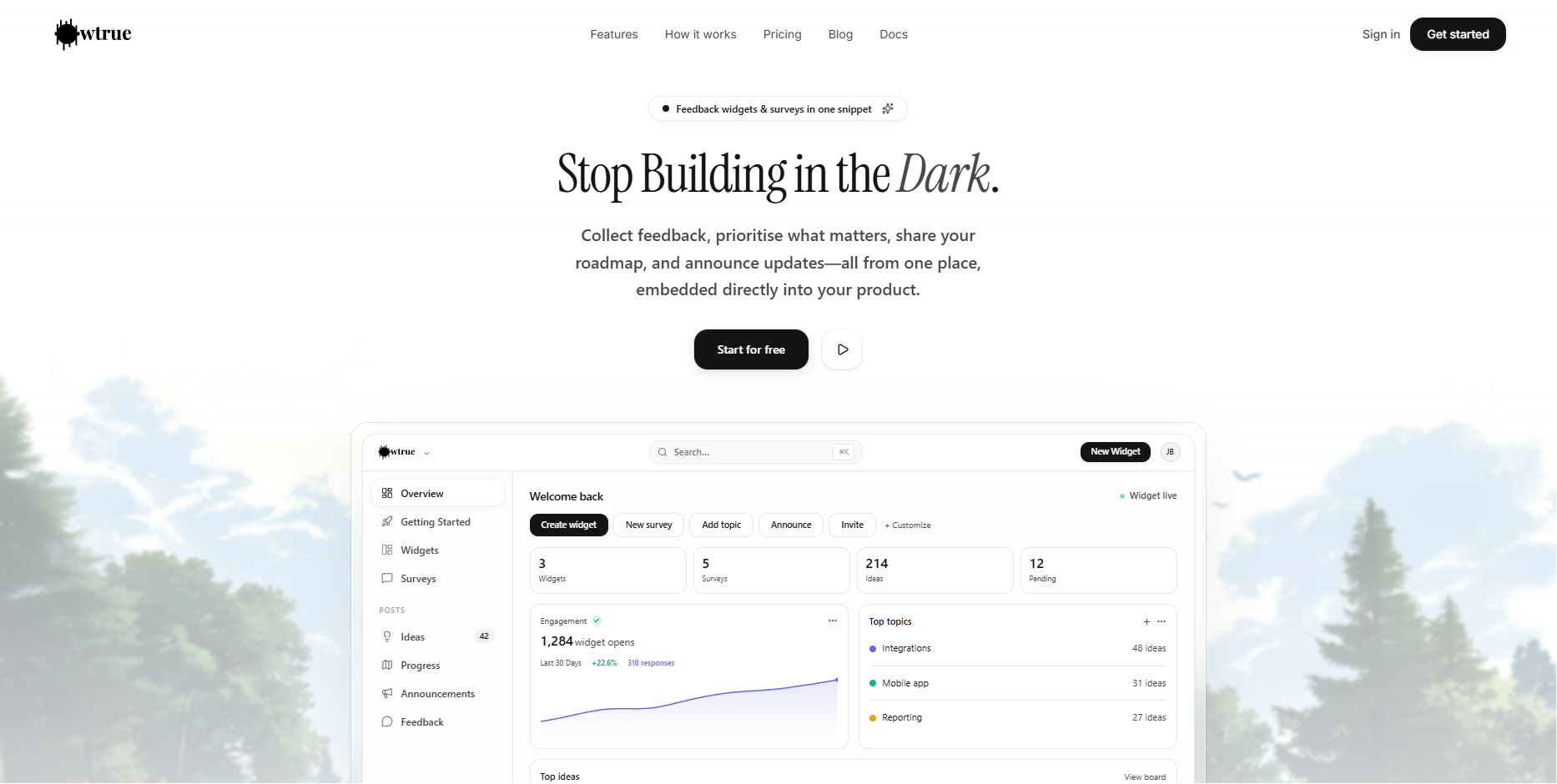
If you're tired of feedback being scattered across emails, DMs, and spreadsheets, it’s time to bring everything into one place. Owtrue is an integrated platform designed to help you collect feedback, prioritize what matters, share your roadmap, and announce updates—all through a single widget embedded directly in your product.
Here is a simple, step-by-step guide to getting Owtrue live in your app in just a few minutes.
1. Create Your Account and Workspace
The first step is to head over to Owtrue and click "Get started" or "Start for free". During the signup process, you’ll be asked to name your workspace. This is where your team will collaborate, so choose a name that reflects your product or company.
2. Start Your Free Trial
Owtrue offers a 7-day free trial on every plan, so you can explore all the features without any immediate risk. Once you are in your dashboard, head to the Billing section to select a plan—Startup, Business, or Growth—and start your trial.
3. Install the Snippet
Now for the technical bit (don't worry, it's easy!). Navigate to the "Getting Started" page in your dashboard. You will see a small code snippet.
Copy the snippet.
Paste it into your website’s code, specifically right before the closing </body> tag.
This single script works with React, Next.js, or any CMS, and because it uses a Shadow DOM, it won’t mess up your site’s existing CSS
4. Verify and Customize Your Widget
Once the code is in place, go back to the dashboard to verify your snippet. When it's live, you can start making it your own.
Customize the Design: Use the live builder to pick your brand colors and choose which sections to enable, such as the Ideas board, Roadmap (Progress), or Announcements.
Upload Your Logo: Head to Settings to upload your company logo so the widget feels like a native part of your UI.
5. Organize with Topics and Surveys
To keep things organized, you’ll want to create Topics. These act as categories for your feedback, such as "Bugs," "Features," or "UI Improvements". This helps you see exactly what your users want most.
You can also set up Surveys (like NPS or CSAT) to gather specific data. You can even choose when they appear, such as when a user is about to exit the page or after they’ve scrolled a certain amount.
Enjoy Listening to Your Users
That’s it! Your feedback loop is now closed. You can now triage ideas, update statuses from "planned" to "shipped," and keep your users in the loop with a roadmap they can actually see
Start listening to your customers
Collect feedback inside your product
Owtrue adds a feedback board, roadmap, changelog, and surveys with one script. Plans start at $18/mo.
Get started